Custom web apps
Software built around how your business works.
Booking systems, customer portals, dashboards and internal tools that replace spreadsheets, notebooks and endless WhatsApp threads. From a simple order tracker to a full software product.
What is a web app?
A website tells people about you. A web app does work for you.
A web app is software your team and customers use through a browser: they log in, enter information and get things done. It takes repetitive work off your plate and keeps everyone working from the same up-to-date information.
Opens in any browser
Nothing to install from an app store. It works on phones, tablets and computers, and updates reach everyone at once.
Everything in one place
Bookings, orders, customers and stock live in one system instead of notebooks, spreadsheets and chat threads.
The right access for each person
Staff, customers and partners each log in and see only what they need.
Examples
What a web app can do for your business
Six kinds of web apps we build, and the businesses they suit. The screens are illustrative examples with made-up businesses, not client projects.
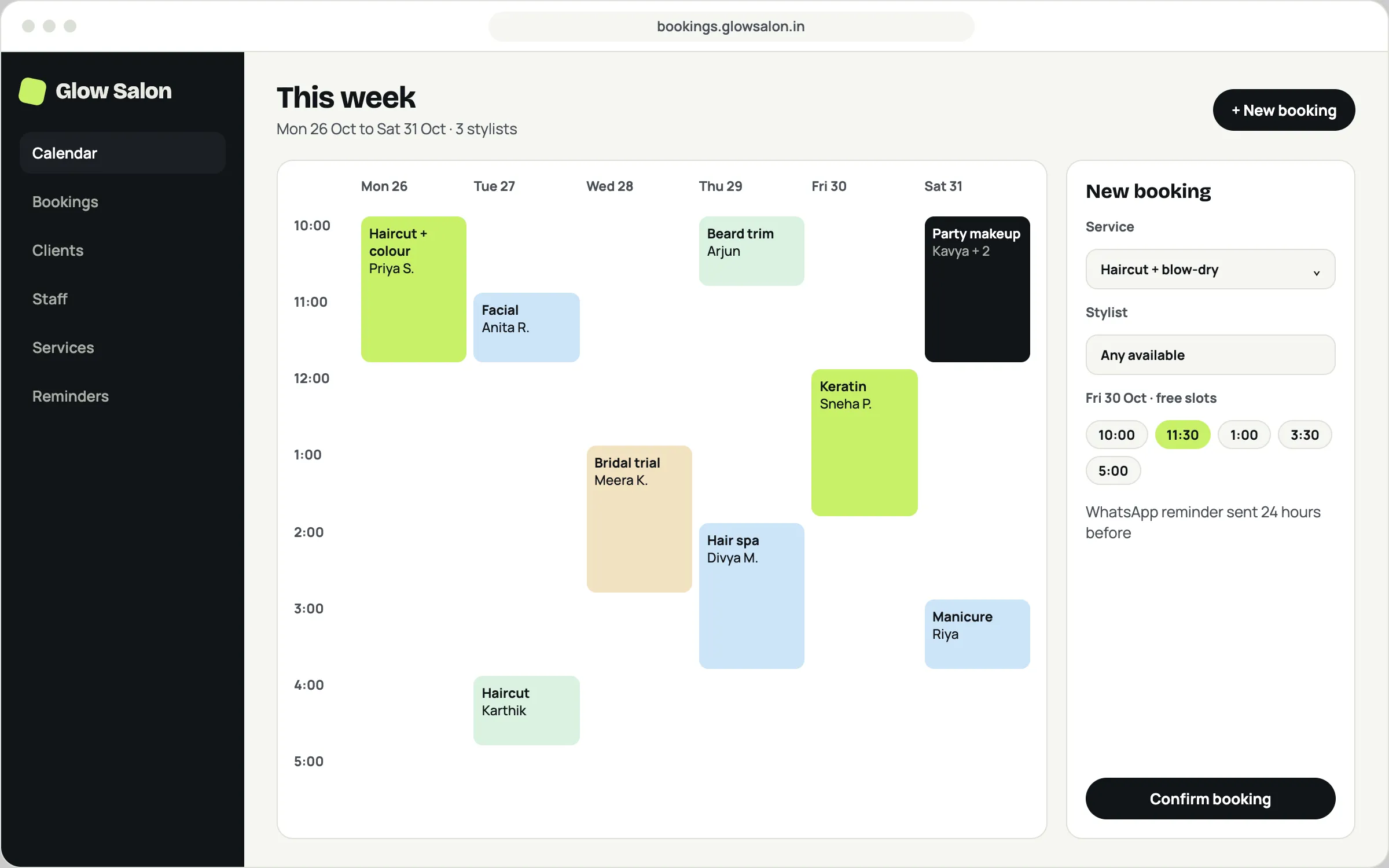
Illustrative example Booking and appointment system
Customers book a free slot online at any time, and your whole team works from one shared calendar.
- Online booking with live availability
- Automatic reminders by WhatsApp, SMS or email
- Staff schedules and client history
Good for
- Salons
- Clinics
- Tutors
- Studios
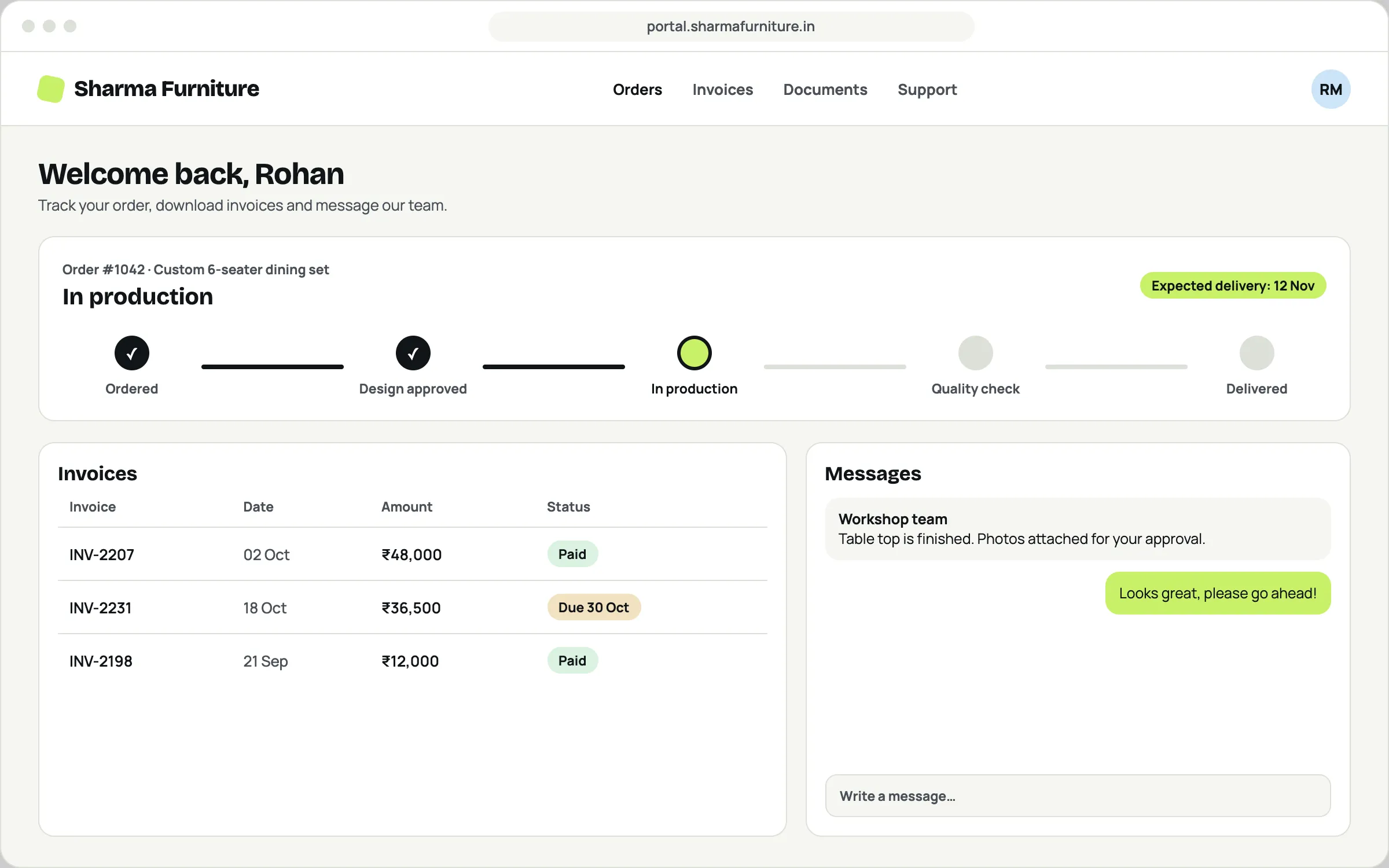
Illustrative example Customer portal
Customers log in to check their order, download invoices and message your team, instead of calling to ask for updates.
- Order progress customers can follow
- Invoices and documents in one place
- Messages kept with each order
Good for
- Manufacturers
- Interior designers
- Agencies
- B2B suppliers
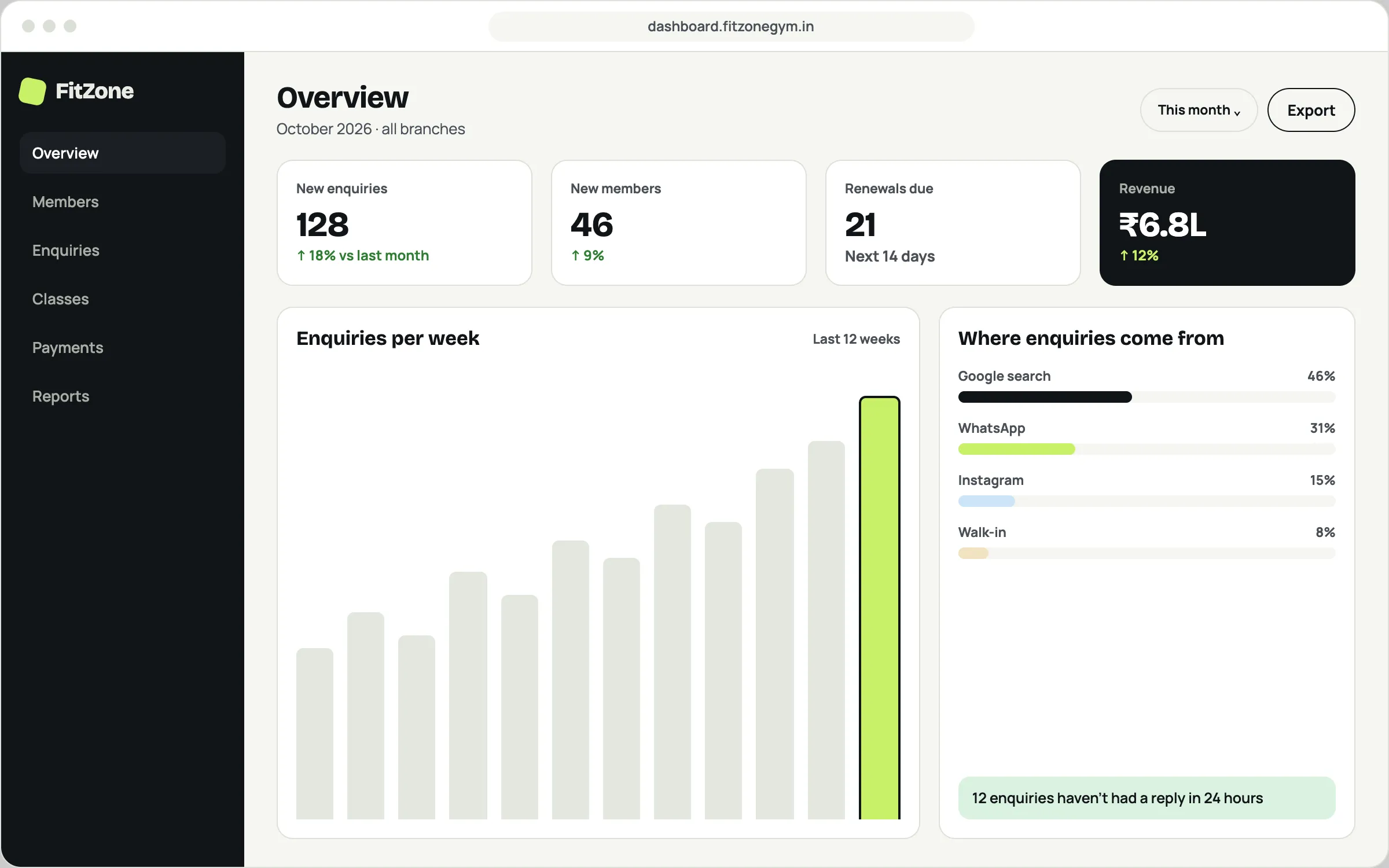
Illustrative example Business dashboard
See enquiries, sales and renewals at a glance, instead of piecing them together from different spreadsheets at month end.
- Live numbers for every branch
- Where your customers come from
- Alerts for anything that needs attention
Good for
- Gyms
- Multi-branch shops
- Schools
- Service businesses
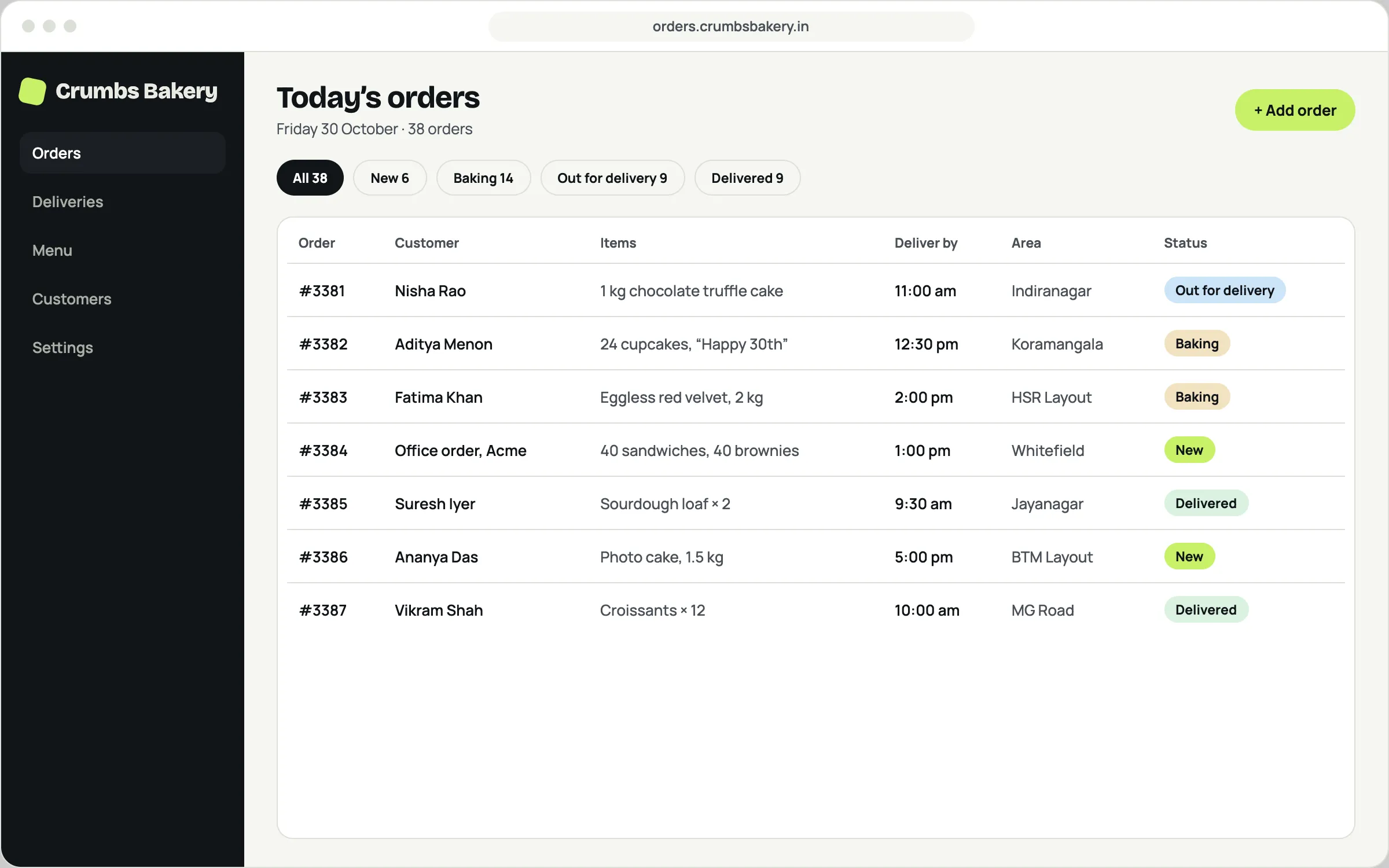
Illustrative example Order and delivery tracker
Orders from phone calls, WhatsApp and your website land in one list, each with a clear status from new to delivered.
- One list for orders from every channel
- Status updates the whole team can see
- Delivery times and areas at a glance
Good for
- Bakeries
- Caterers
- Cloud kitchens
- Retailers
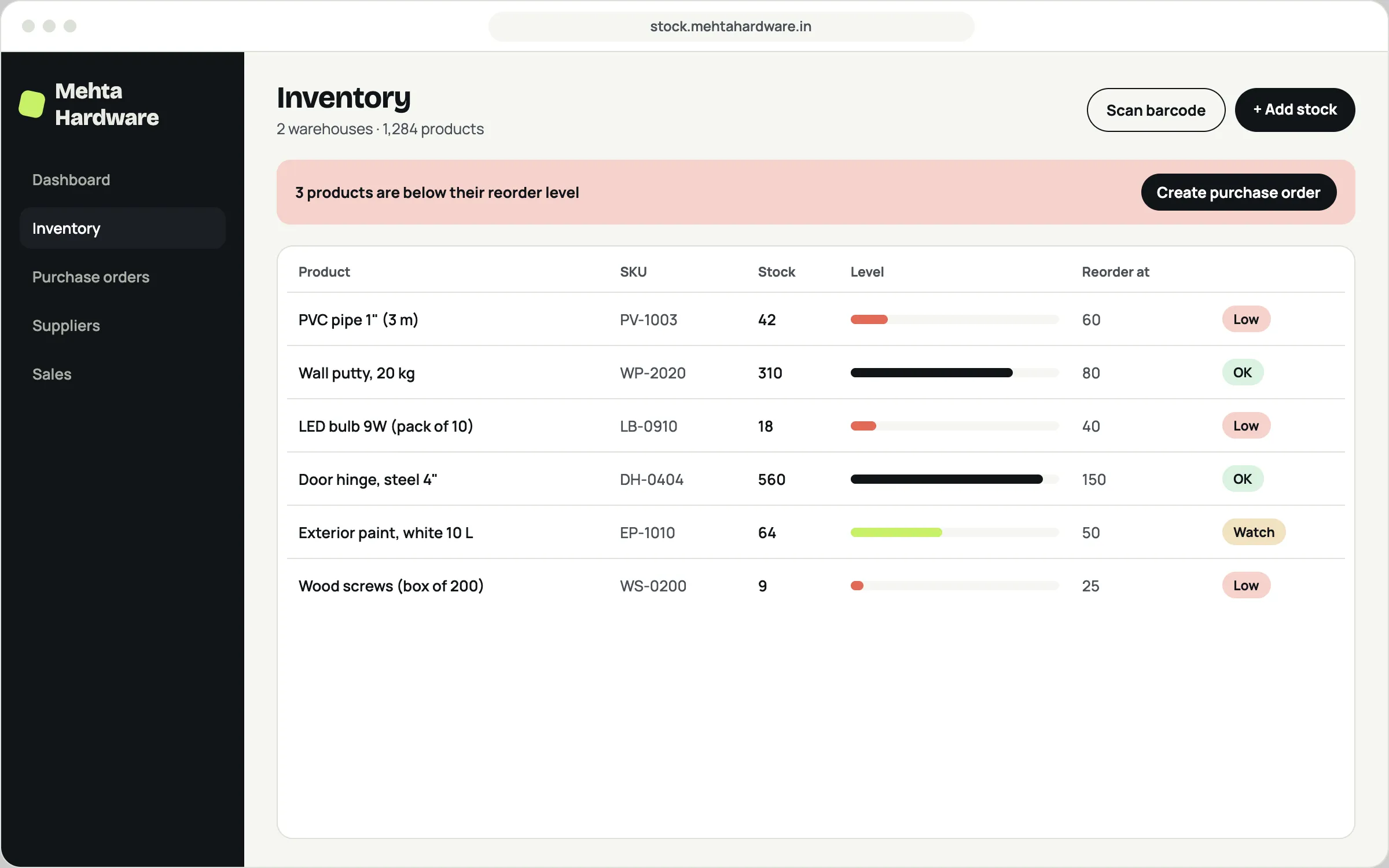
Illustrative example Inventory and stock management
Know exactly what’s in stock across locations, and reorder before you run out.
- Stock levels across shops and warehouses
- Low-stock alerts and purchase orders
- Barcode scanning from a phone
Good for
- Hardware stores
- Distributors
- Pharmacies
- Warehouses
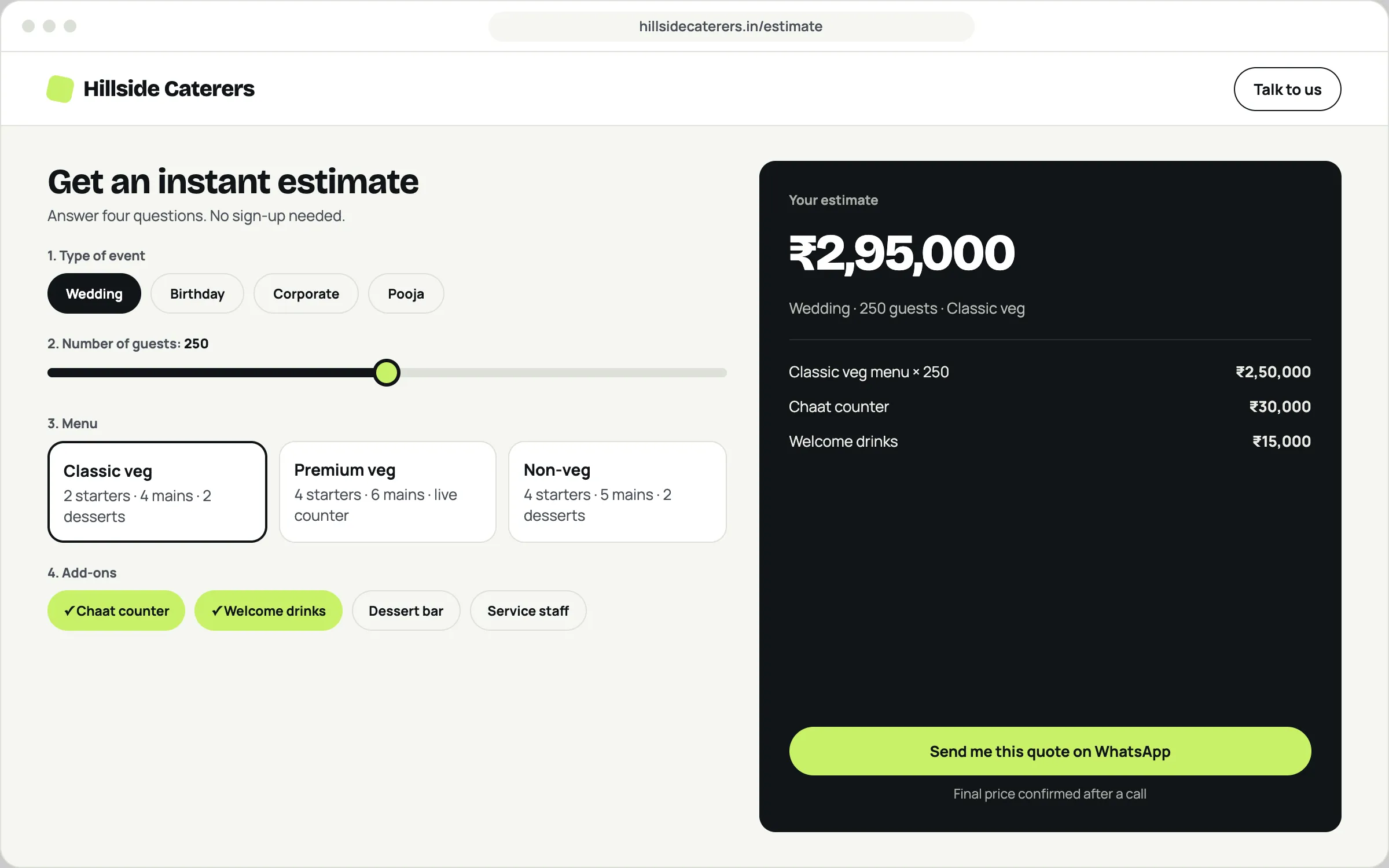
Illustrative example Quote and estimate calculator
Visitors answer a few questions on your website and get an instant estimate, which reaches you as a ready-made enquiry.
- Instant estimates, priced by your rules
- Enquiries that arrive with the full details
- Hands off to WhatsApp or a call
Good for
- Caterers
- Interior designers
- Event planners
- Contractors
Need something else? Most apps we build are a mix of these, shaped around one business.
Tell us what you have in mindHow we build it
Built with you, one step at a time.
Map your process
We sit with you and the people who will use the app, and write down how the work actually happens today.
Design the screens
You click through the key screens before we build anything, so there are no surprises.
Build in stages
We ship the most useful part first, so your team can start using it early and tell us what to change.
Launch and support
We train your team, help move your existing data in, and stay on hand for fixes and new features.
Questions about web apps
Do my customers need to download anything?
No. A web app opens in the browser on any phone or computer. If you like, people can also add it to their home screen so it feels like an app.
Can it work with the tools I already use?
Often, yes. Web apps can connect to tools like Google Sheets, WhatsApp, payment gateways and accounting software. We check what’s possible for your tools on the first call.
Who owns the app and the data?
You do. The code and your data belong to your business, and you get full access. No lock-in, ever.
How much does a web app cost?
Every app is different, so we start with a free call, then send a clear scope, timeline and quote before any work begins.
Let’s get your business found online.
Tell us a little about your business. We reply within one working day with next steps, no obligation.